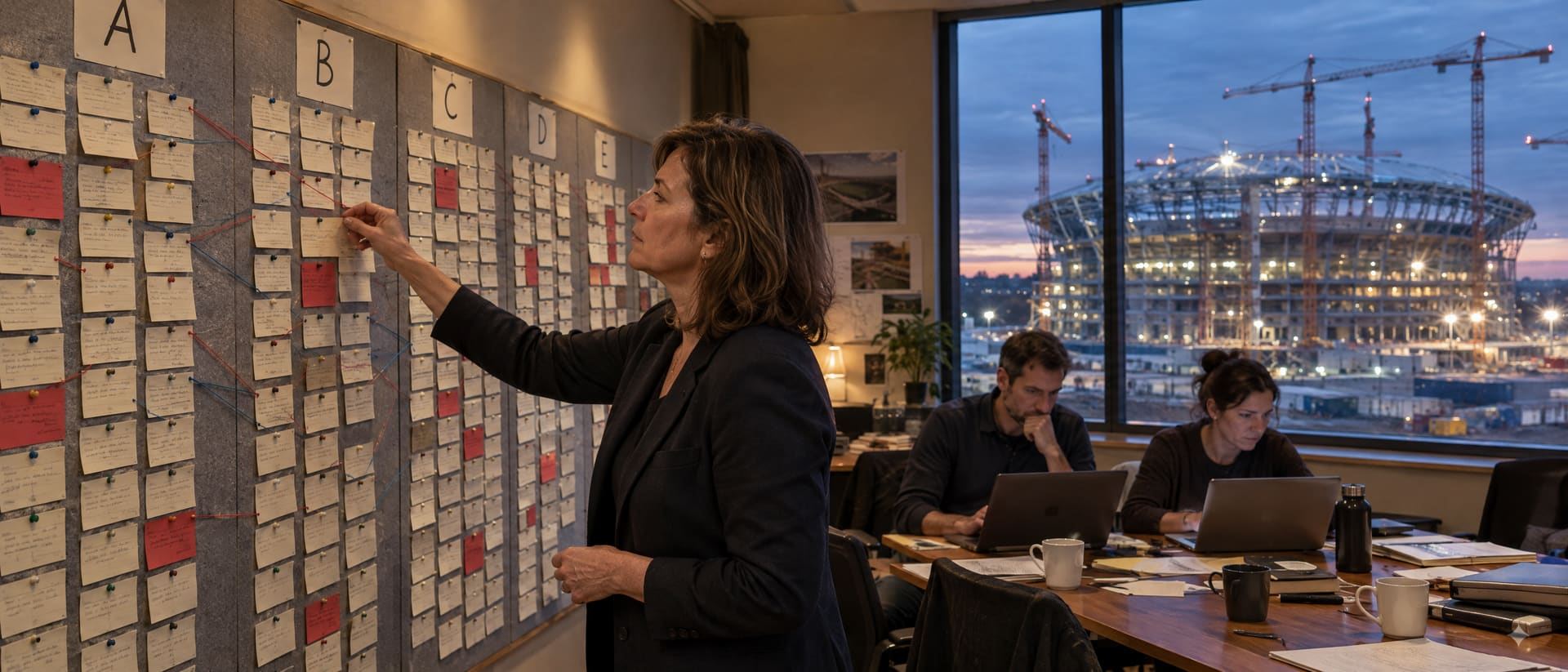
The menu follows the order of the work: set up the plan once, follow it every week, report it every month. Every screen below is from the example event Gothenburg Ice Cup 2030. You can open it yourself on day one.
The leaders build the plan from the top down. It takes about two weeks of the director's time. The point is to answer the weekly questions with facts.
Name, dates, currency, contingency. The key numbers the budget depends on: teams, participants, volunteers, fees. The milestones the event must hit, most of them set by the rights holder. Change a key number and every budget line that uses it changes too.
Contracts, law and authorities, operational needs, the strategy, the nice-to-haves. And the won'ts: what you decided not to do, with the reason written down. The source sets the priority: must, need, want, could or won't.
A basket is a main area of the event. A program is a cost centre with one owner. A project is a deliverable with a date and a budget role. Work stays a draft until it is confirmed. Only confirmed work gets money and shows up in follow-up.
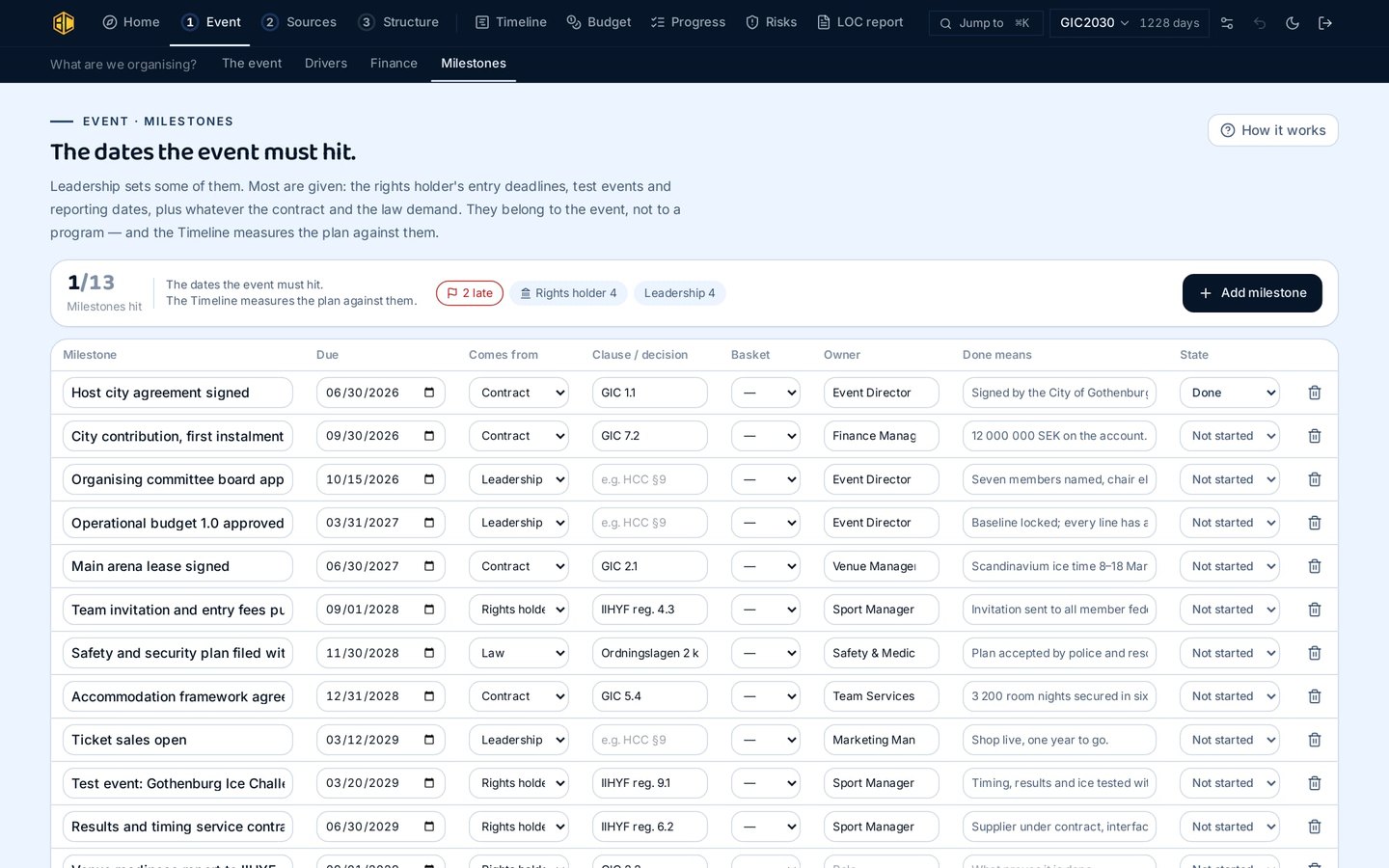
Milestones belong to the event, not to a program, so they stay when people change. Each one says where it comes from (rights holder, contract, law or leadership) and what "done" means. Overdue milestones come first, with an owner.
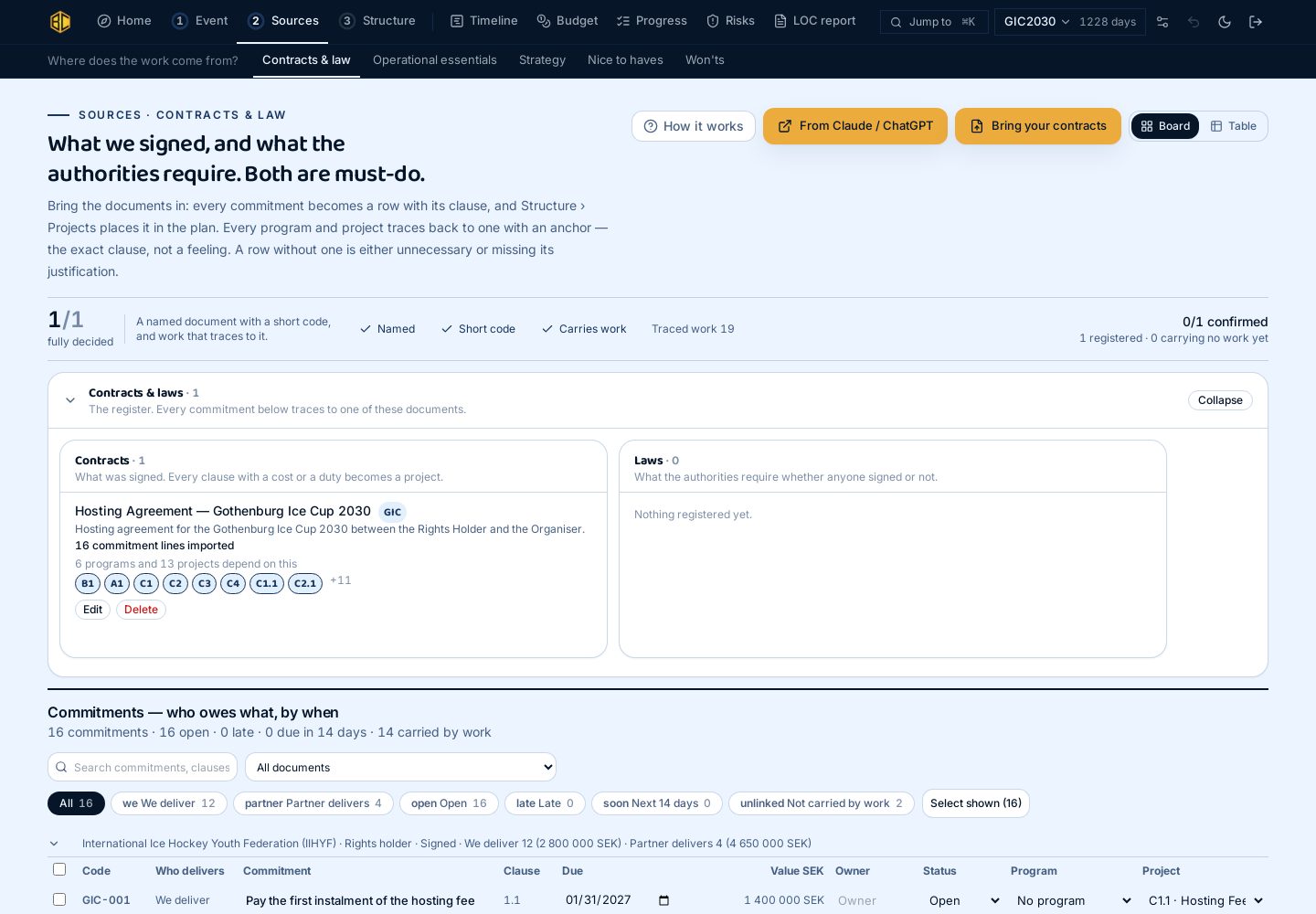
Every document gets a short code, and the programs that depend on it are listed under it. The system can read a contract or a strategy and suggest the obligations as rows; you confirm them. Work you decide not to do is written down with the reason, so it does not come back unnoticed.
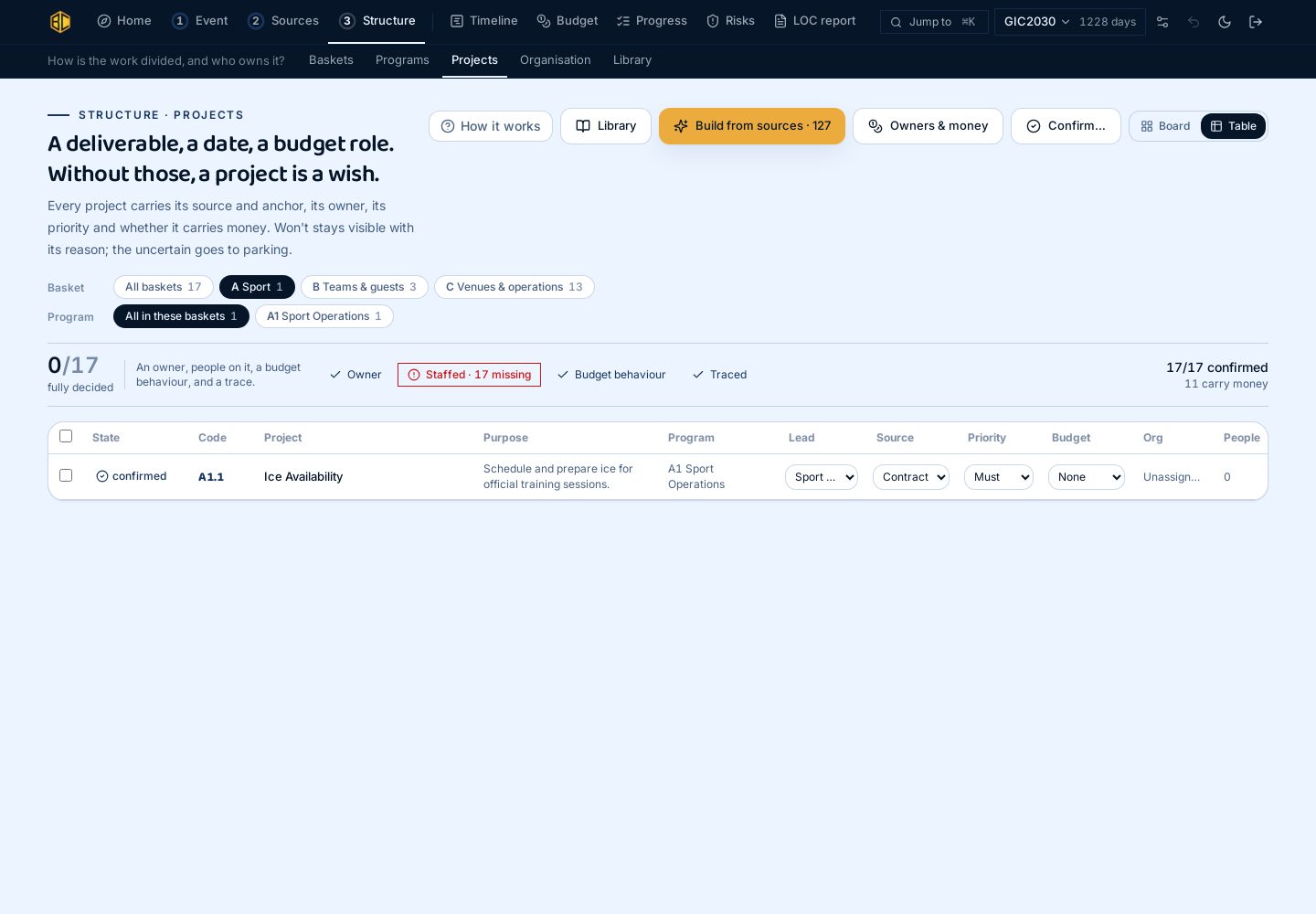
A letter, a number, a decimal. When someone says "C2.3 is late", everyone knows who owns it, which contract it comes from and how much money it has. Use the board to arrange the work and the table to edit it. Same data, two views.
The leaders answer them from the data the managers already keep.
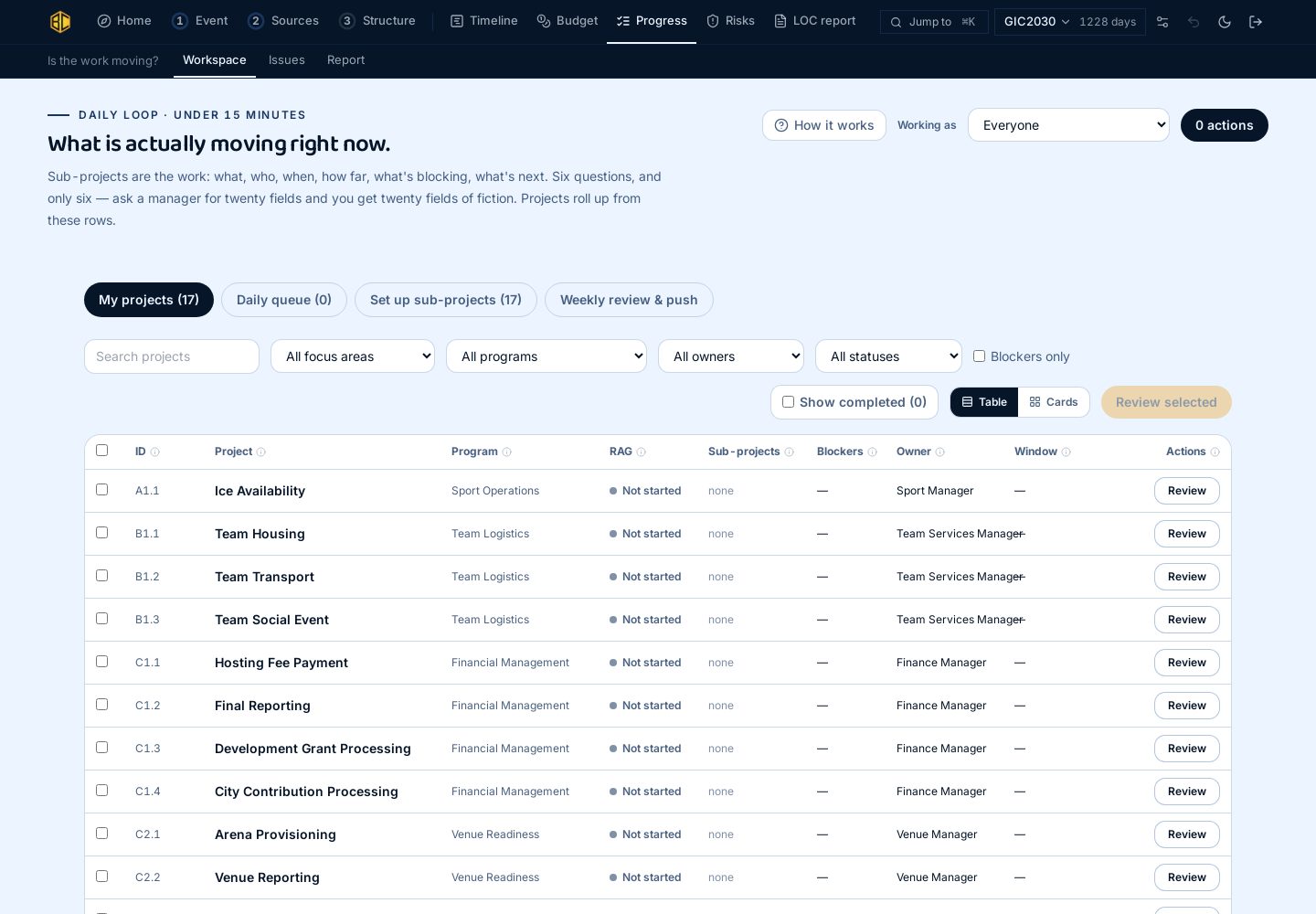
Sub-projects are where the work is: what, who, when, how far, what is blocking, what is next. Six questions, no more. Projects show the worst status of the work under them, so a problem cannot hide under a green status. Rows nobody has updated are flagged. Blockers become issues with an owner.
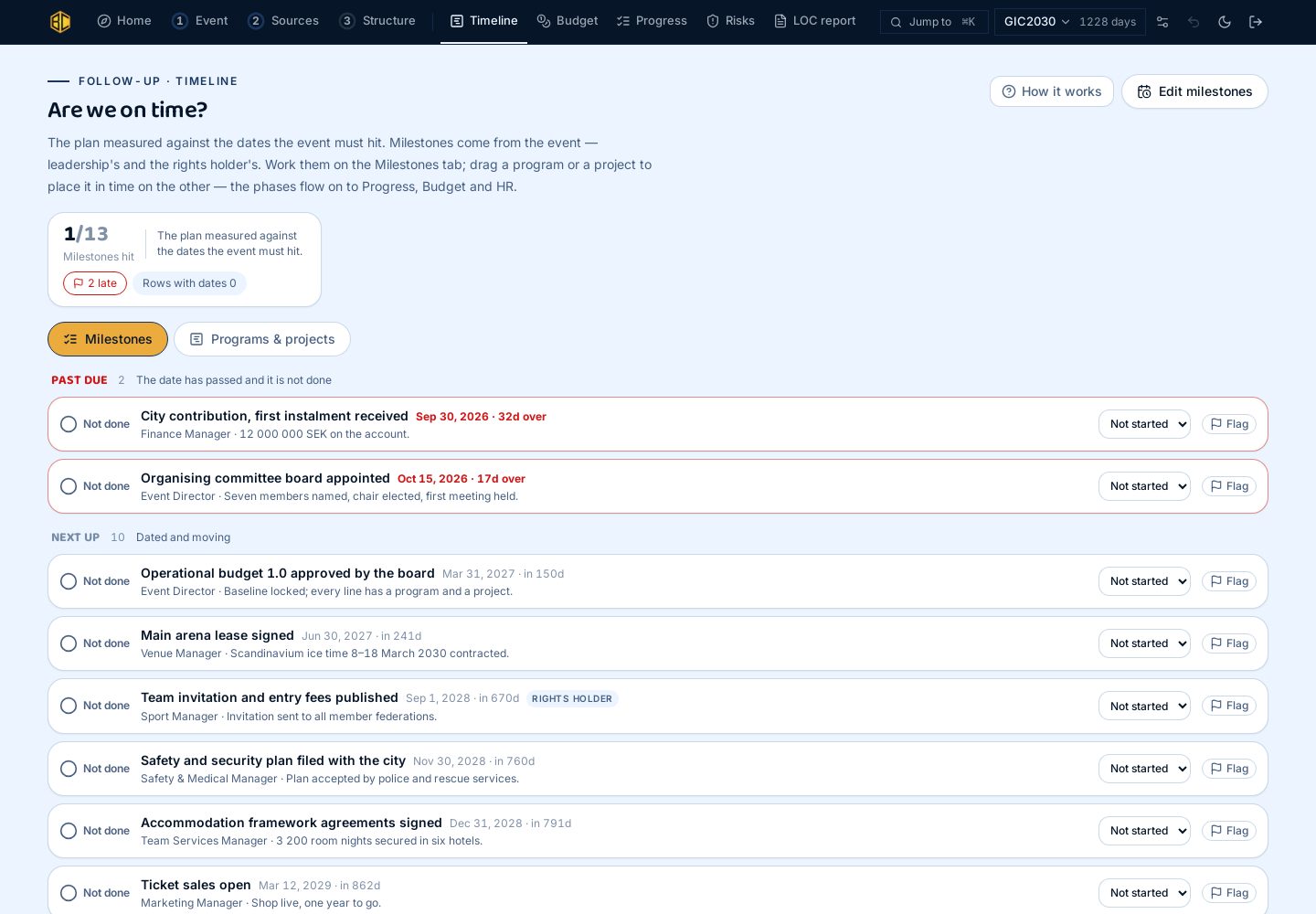
Every program and project is placed in time and checked against the dates the event must hit. Overdue items come first, with the owner. A milestone that slipped stays visible with its note.
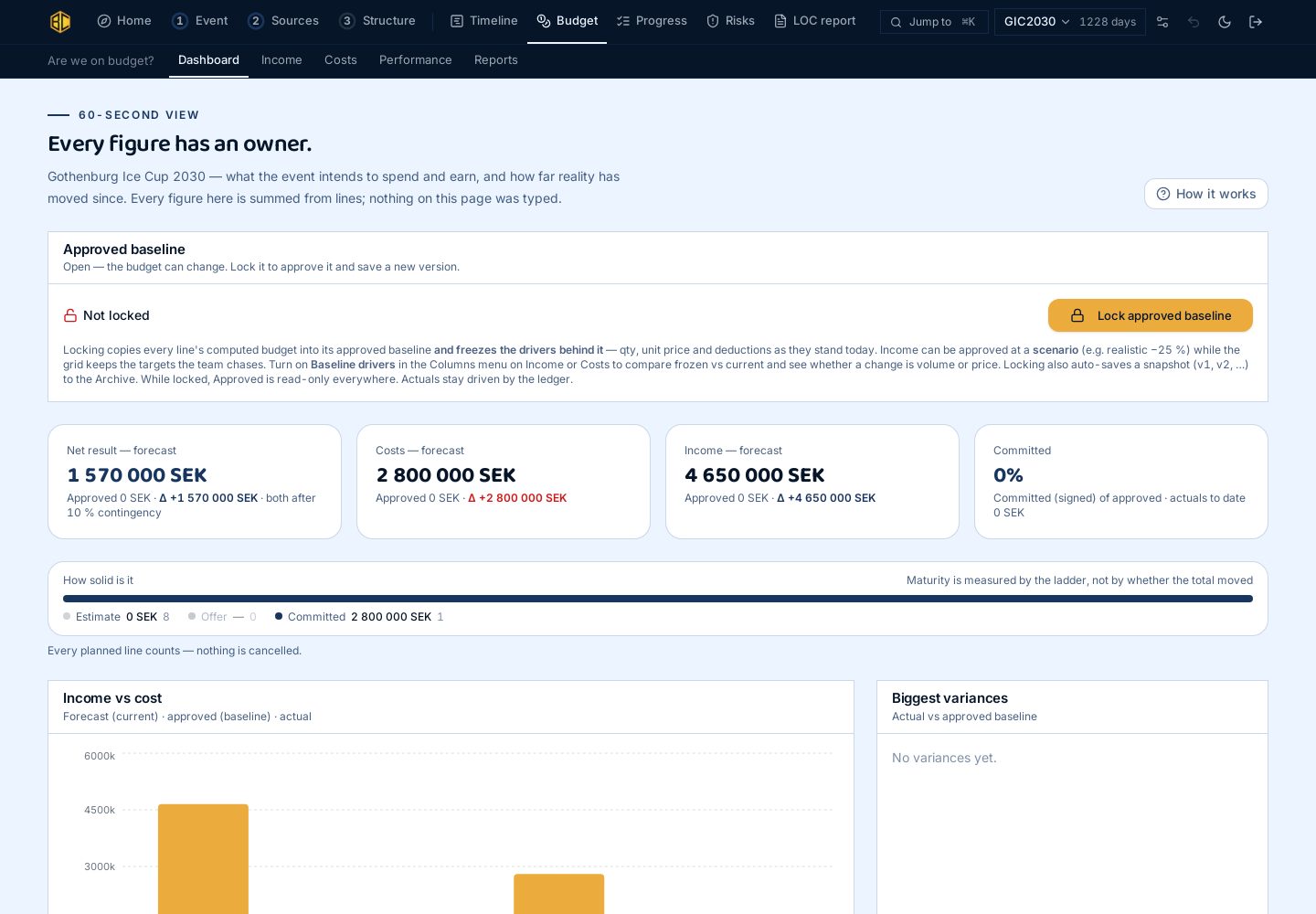
The first budget is built from confirmed projects, not from a list of accounts. Every line is quantity times price, with three codes: account, program, project. When a contract is signed, the signed sum is entered, and the expected total cannot drop below it. Five numbers on every line, every month.
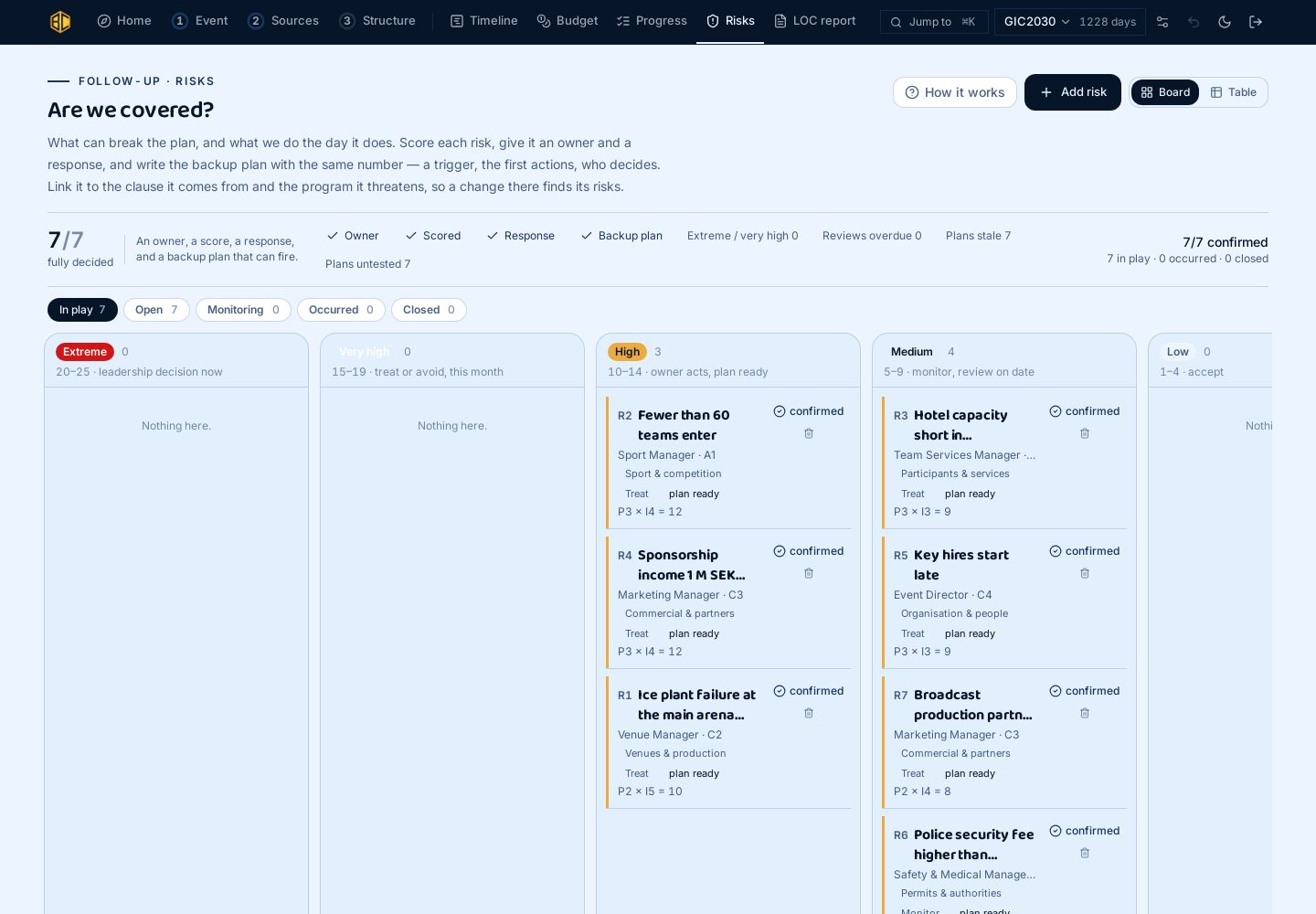
Probability times impact, in money, shown next to the expected total. Each risk has an owner, a trigger, a response and a backup plan with its own owner. The five most expensive risks go into the monthly report.
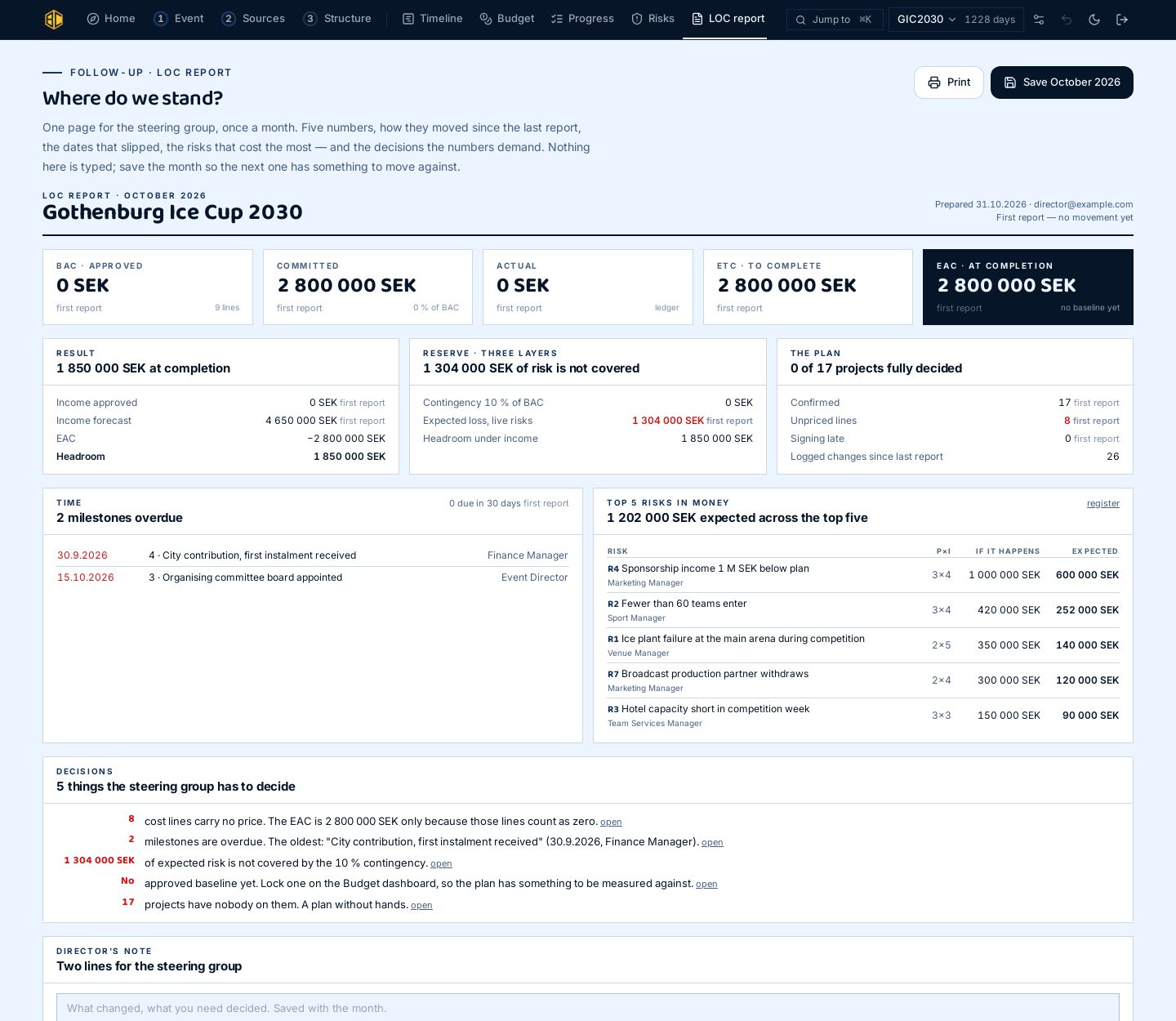
Five numbers and how they changed since the last report. The dates that slipped. The top five risks in money. The decisions that need to be made. The numbers come from the system; nobody types them in. Save the month, and the next report shows the change. Print it for the steering group.

Two ways to start. Answer twenty questions and get a plain result, or book a 45-minute demo with Jesse on your own event.
Pricing starts at €497 a month.